 Deepa November 15, 2026
You’ve launched a new website. It looks great, but Google Analytics shows almost nobody visiting. That’s normal. A brand-new site has no history, no links and no rankings yet. After more than 14 years in SEO and digital marketing, here is exactly what I would do, step by step, if I had to start a website from zero today.
Quick answer: To get traffic to a new website, fix the technical basics first (Search Console, sitemap, speed), set up your Google Business Profile, target low-competition long-tail keywords, build strong service pages, publish helpful content consistently, earn a few quality backlinks, share everything on social media and short video, and make your pages easy for AI search tools to understand. Use a small ad budget for quick visits while SEO builds.
- New websites get little traffic at first. That’s expected, and it’s fixable.
- Start with what’s fast: Google Business Profile, social media, short video and a small ad budget.
- Build long-term traffic with long-tail keywords, service pages, regular content and quality backlinks.
- Follow a simple 90-day plan and improve the pages that start getting impressions.
Why New Websites Get Little Traffic at First
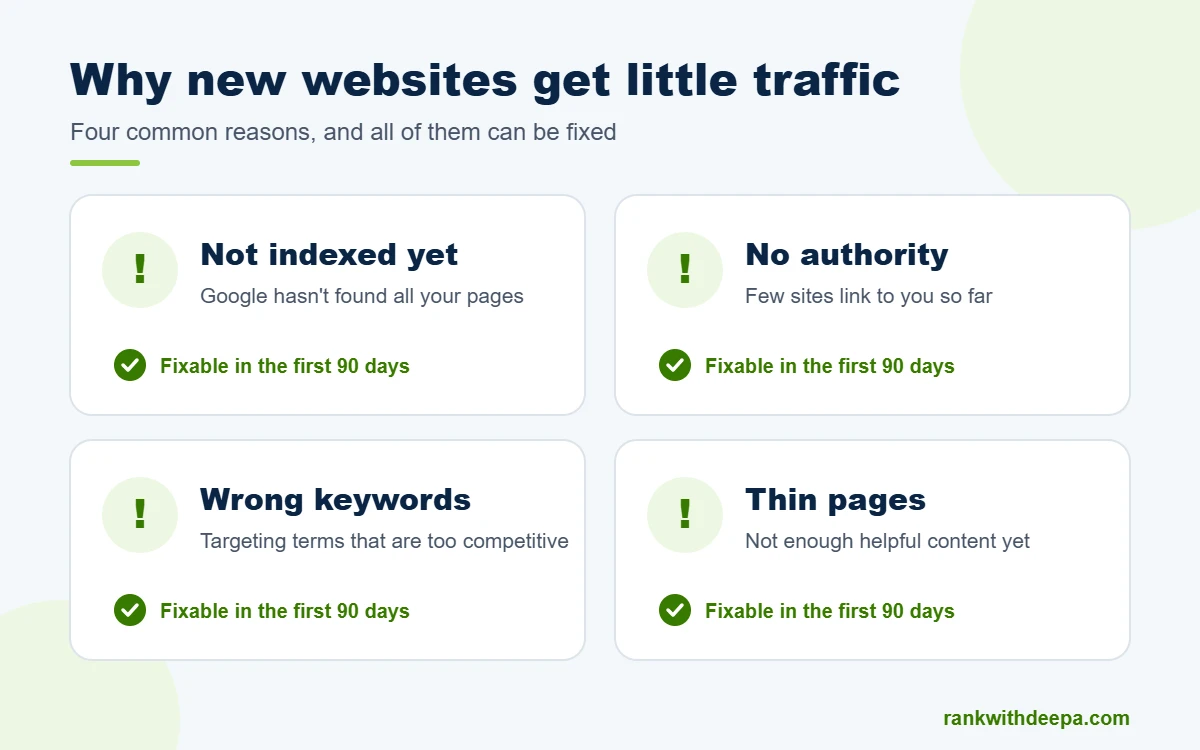
When a website is new, Google doesn’t know much about it yet. Your pages may not all be indexed, very few other websites link to you, and you may be targeting search terms that big, established sites already own. Many new pages are also too short to fully answer what people are looking for.
The good news: every one of these problems has a clear fix. You don’t need a huge budget. You need the right steps in the right order, and a little patience.
Step 1: Set Up the Technical Foundations
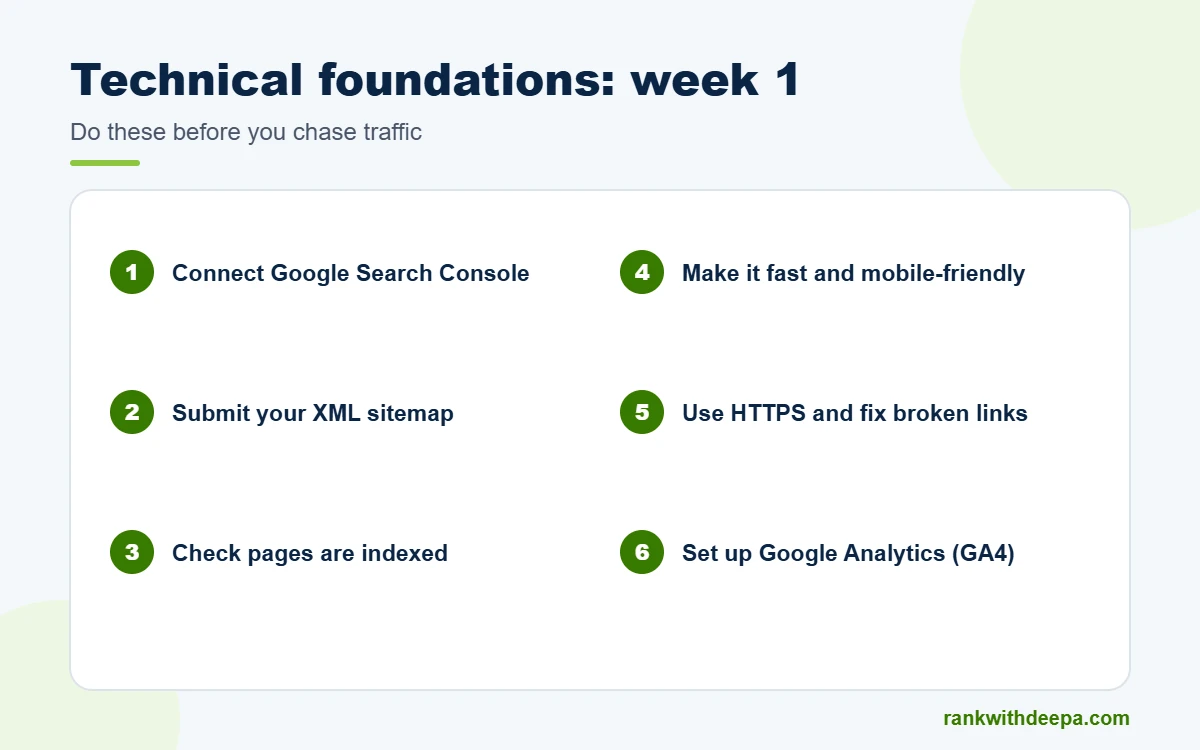
Before chasing visitors, I’d make sure Google can find, crawl and understand the site. If this part is broken, nothing else works properly.

- Google Search Console: verify your website and submit your XML sitemap.
- Indexing: use URL Inspection to check your key pages and request indexing.
- Speed and mobile: most visitors arrive on phones, so pages must load fast and be easy to use on a small screen.
- Security and errors: use HTTPS and fix broken links and duplicate pages.
- Analytics: set up Google Analytics (GA4) so you can see what’s working.
If your site is slow or hard to use, our website design and development team builds fast, SEO-ready WordPress websites from the start.
Step 2: Claim Your Google Business Profile
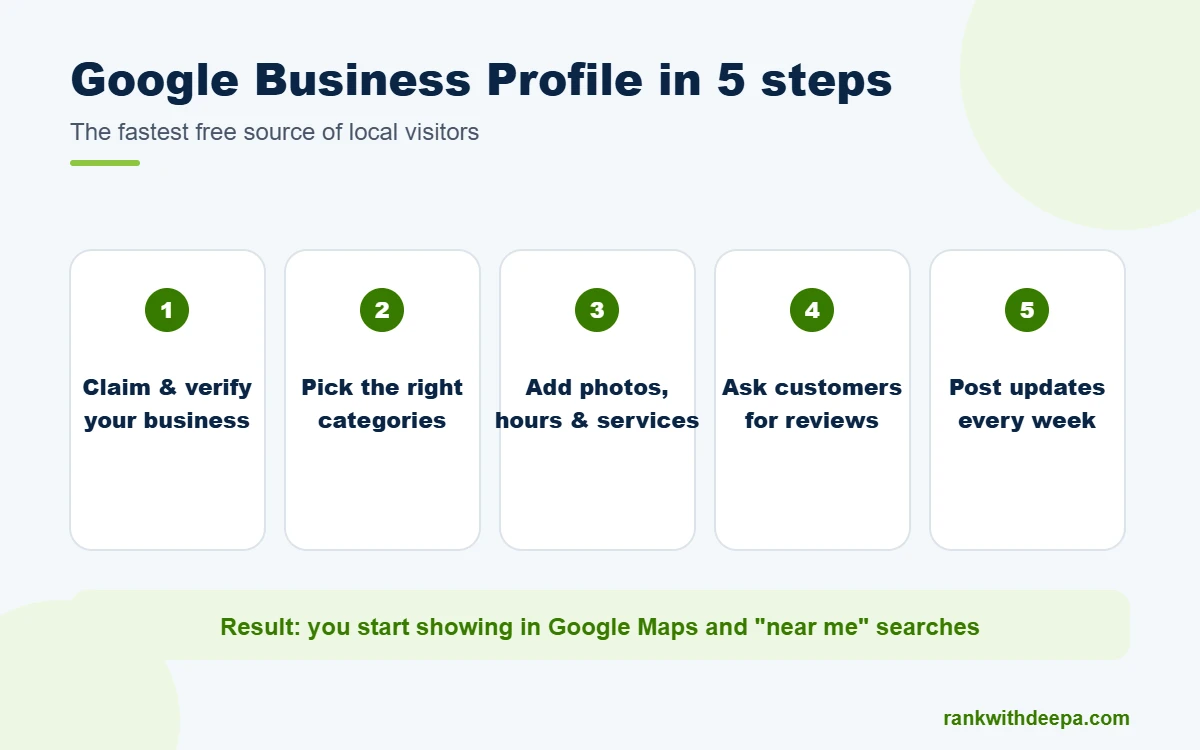
If you serve customers in a city or area, this is the fastest free source of traffic. A complete Google Business Profile can put you in Google Maps and “near me” results long before your website ranks on its own.
- Claim and verify your business, and choose the most accurate categories.
- Add your services, hours, photos and a clear description.
- Ask every happy customer for a genuine Google review.
- Post updates and offers regularly so your profile stays active.
This is a core part of our local SEO services.
Step 3: Choose Low-Competition, Long-Tail Keywords
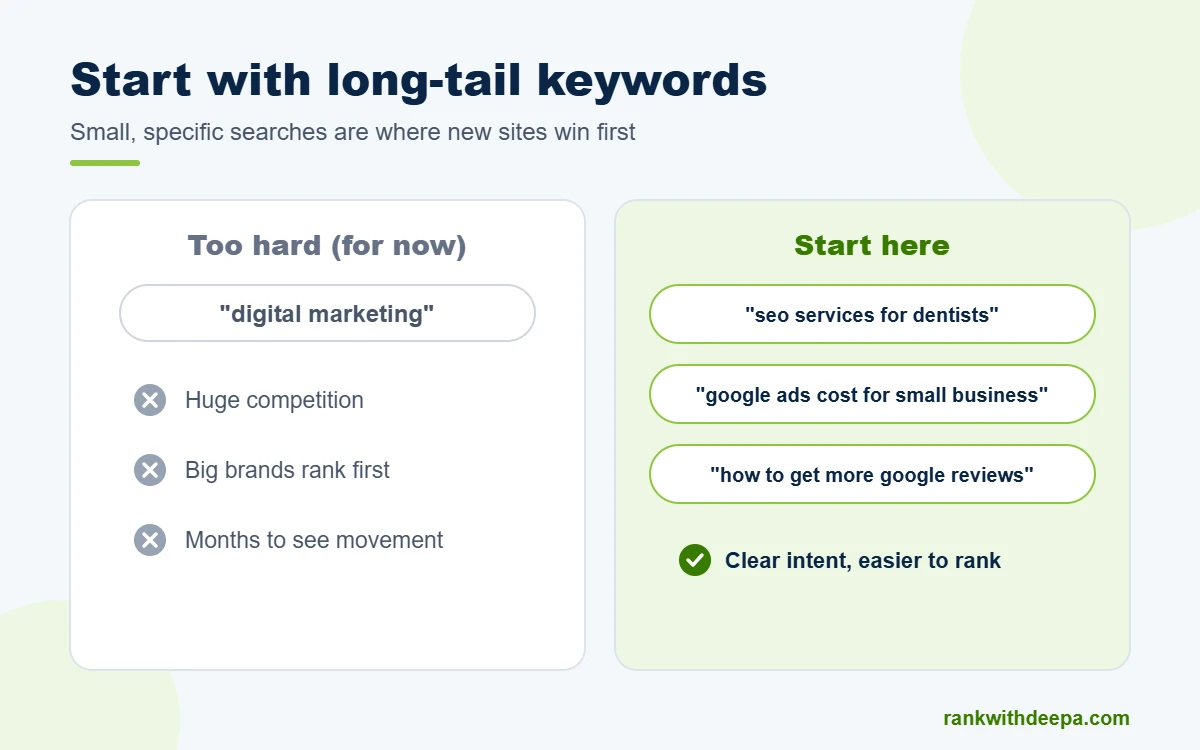
The biggest mistake I see with new websites is targeting broad keywords like “digital marketing” or “shoes”. Big brands own those results, and a new site won’t compete for a long time.
Instead, I’d start with long-tail keywords: longer, more specific searches with a clear need, such as “SEO services for dentists” or “how to get more Google reviews”. They have less competition, the visitors know what they want, and they’re far more likely to become enquiries. Look at Google’s autocomplete, the “People also ask” box and your own customers’ questions for ideas.
New to keywords? Read our guide What is SEO? A simple guide for small businesses.
Step 4: Build Your Service Pages Before Your Blog
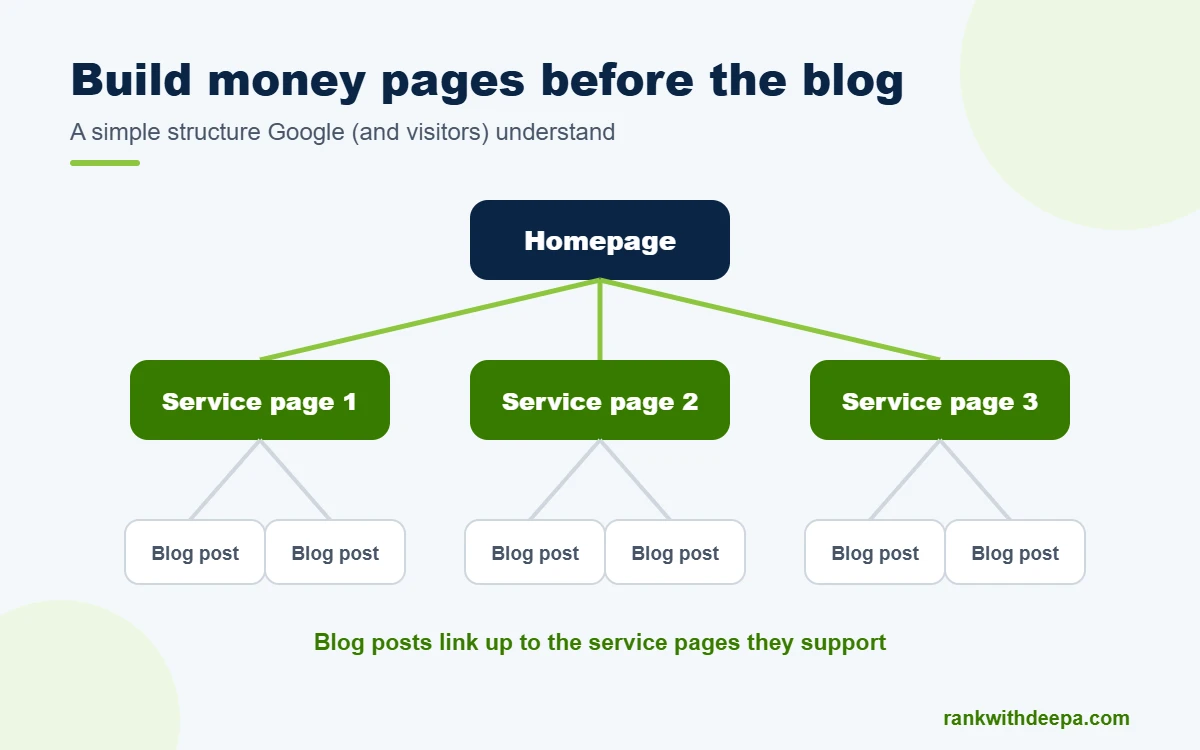
Traffic is only useful if it turns into customers. So before writing lots of blog posts, I’d build one strong page for each main service, the “money pages” that people land on when they’re ready to buy.
- One service per page, with the main keyword in the title and H1 heading.
- Clear benefits, what’s included, your process, FAQs and proof of experience.
- An obvious next step: a contact form, a call button or WhatsApp.
Then every blog post can link up to the service page it supports. If your pages get visits but few enquiries, our lead generation and CRO services can help turn more visitors into leads.
Step 5: Publish Helpful Content Consistently
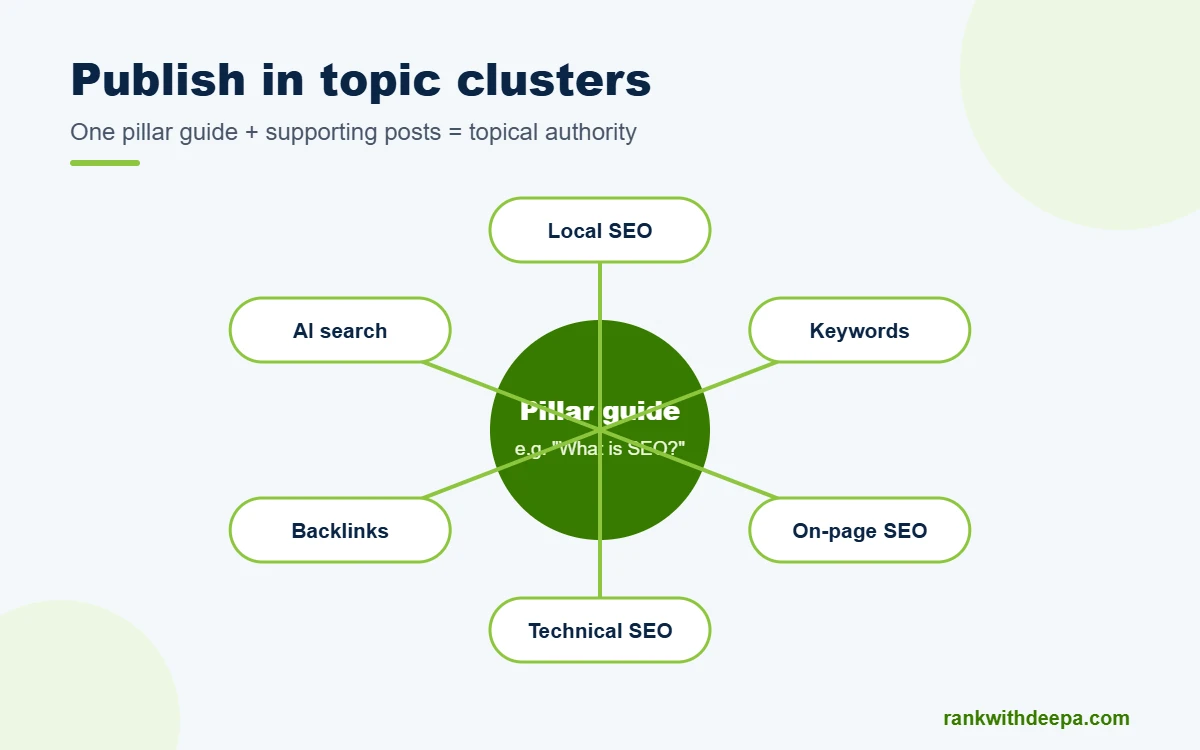
Content is how a new website earns trust and starts ranking for more searches. I’d aim for one or two genuinely helpful posts a week, each answering a real question your customers ask.
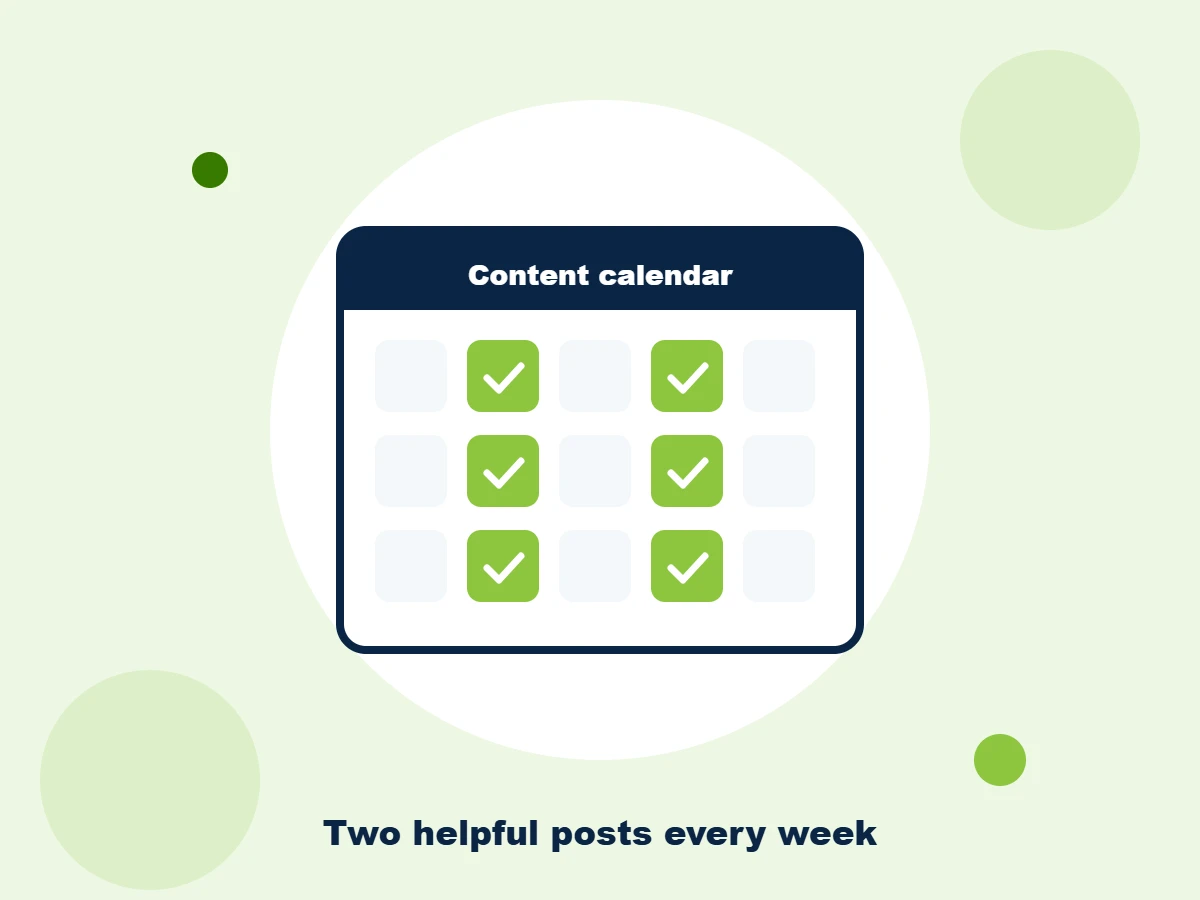
Organise them in topic clusters: one detailed pillar guide on a big topic, surrounded by shorter posts on related questions, all linking to each other. This shows Google you cover the topic in depth. Consistency matters more than volume: two good posts a week for six months beats 20 rushed posts in one month.
Step 6: Earn Your First Backlinks and Mentions
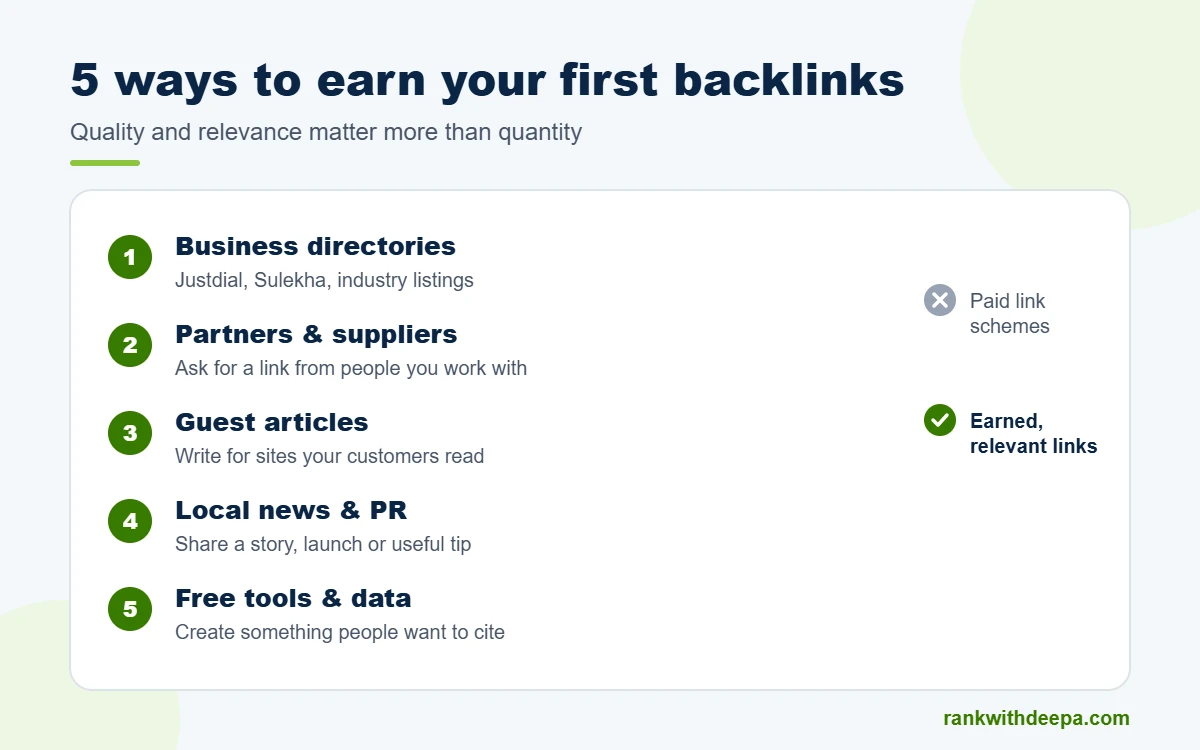
Backlinks, links from other websites to yours, are one of the strongest signals of trust. A new site has none, so I’d start earning a few relevant ones straight away.
- List your business in trusted directories and industry listings.
- Ask partners, suppliers and associations you work with to link to you.
- Write useful guest articles for websites your customers read.
- Share a story, launch or helpful tip with local news and blogs.
Avoid buying cheap links in bulk. Spammy links can do more harm than good.
Step 7: Use Social Media and Short Video for Early Visits
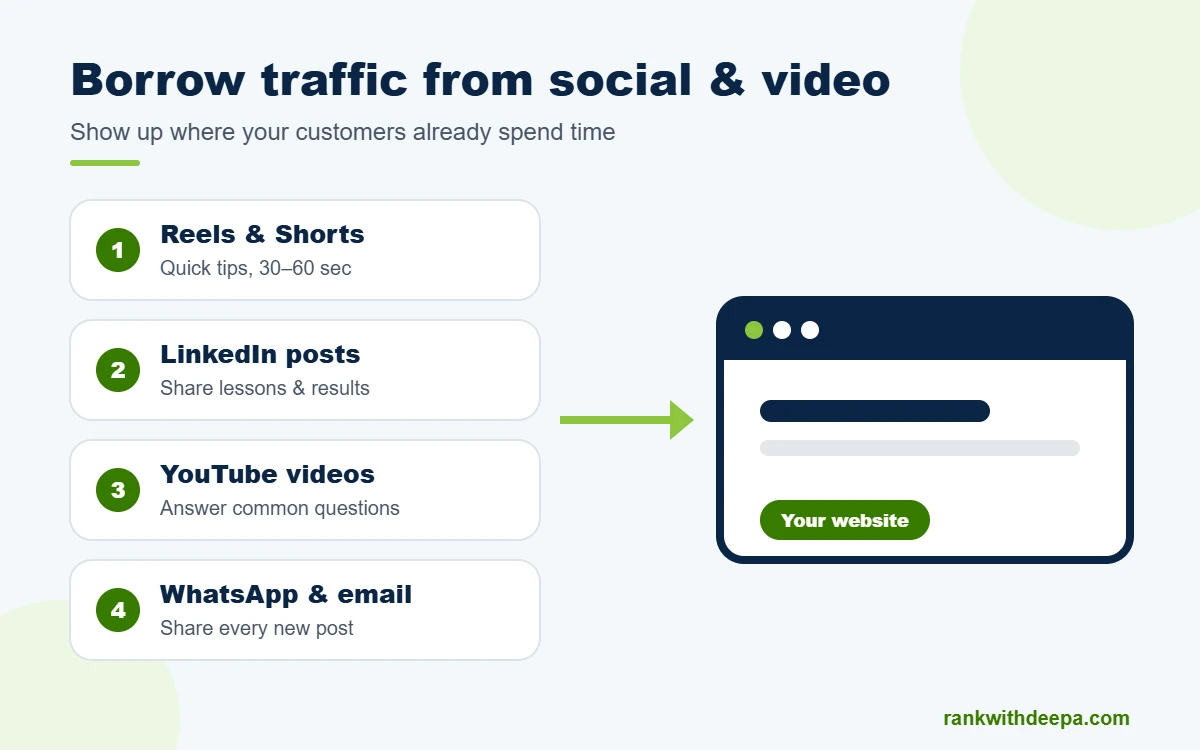
While SEO builds, I’d “borrow” traffic from the places your customers already spend time. Turn every blog post into a few Instagram Reels or YouTube Shorts, a LinkedIn post and a WhatsApp or email message to your contacts, each linking back to your website.
Short, practical tips work best: one problem, one quick fix, one clear call to action. Our video editing and short-form video and social media content creation services can do this for you.
Step 8: Get Found in AI Search (GEO/AEO)
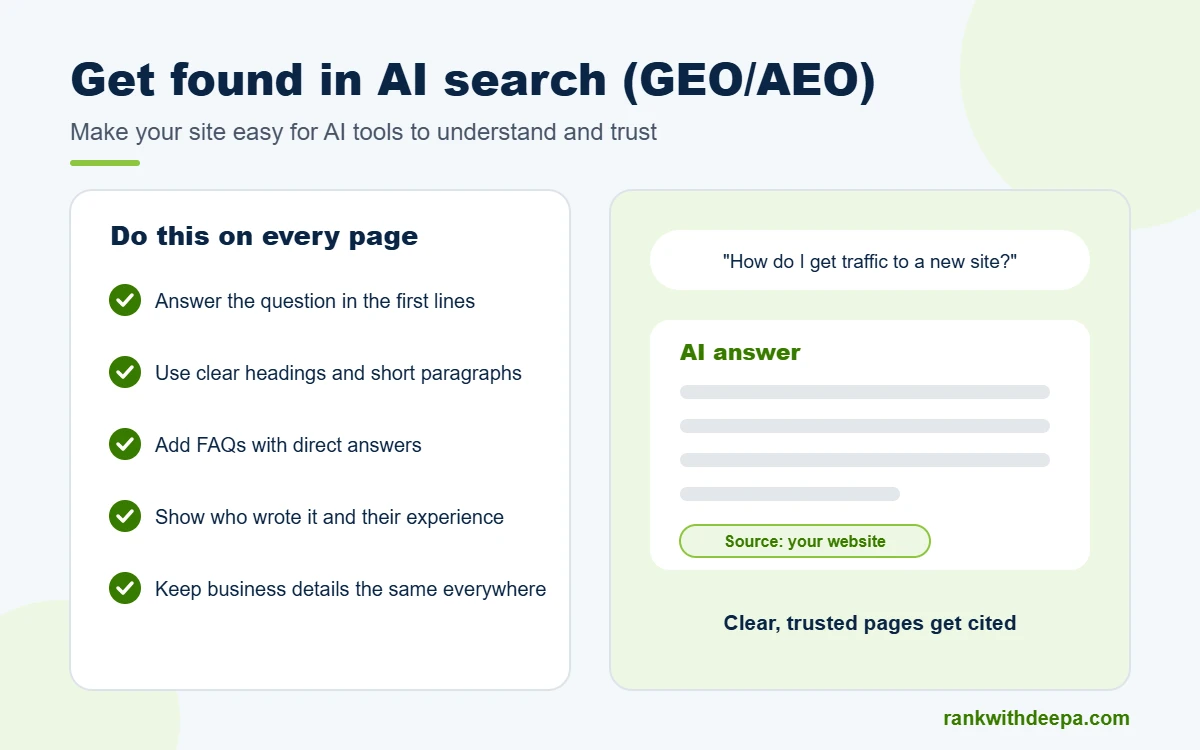
More people now ask ChatGPT, Gemini or Google’s AI Overviews instead of scrolling through results. I’d write every page so these tools can understand it and confidently mention it.
- Answer the main question clearly in the first few lines.
- Use simple headings, short paragraphs and FAQ sections.
- Show who wrote the content and their real experience.
- Keep your business name, address and phone number the same everywhere online.
This is called Generative Engine Optimization (GEO) and Answer Engine Optimization (AEO), and it’s part of our SEO and AI search optimization services.
My 90-Day Traffic Plan for a New Website
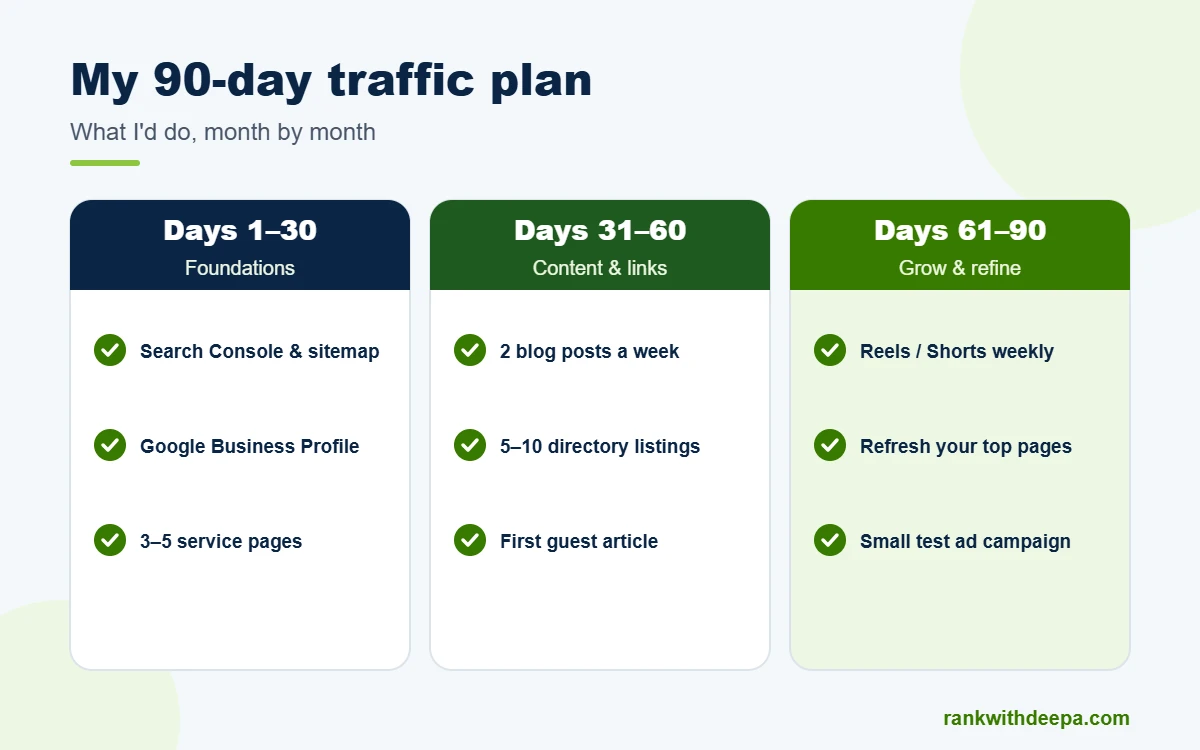
Here’s how I’d put it all together. In the first 30 days, set up the foundations: Search Console, sitemap, Google Business Profile and your main service pages. In days 31 to 60, publish two helpful posts a week and earn your first backlinks. In days 61 to 90, share short videos every week and refresh the pages that are starting to get impressions in Search Console.
If you need enquiries quickly, run a small, well-targeted Google Ads or Facebook and Instagram ads campaign alongside. Paid traffic brings visits in days and shows you which keywords and offers convert, so your SEO effort goes where it pays off.
FAQs About Getting Traffic to a New Website
How long does it take for a new website to get traffic?
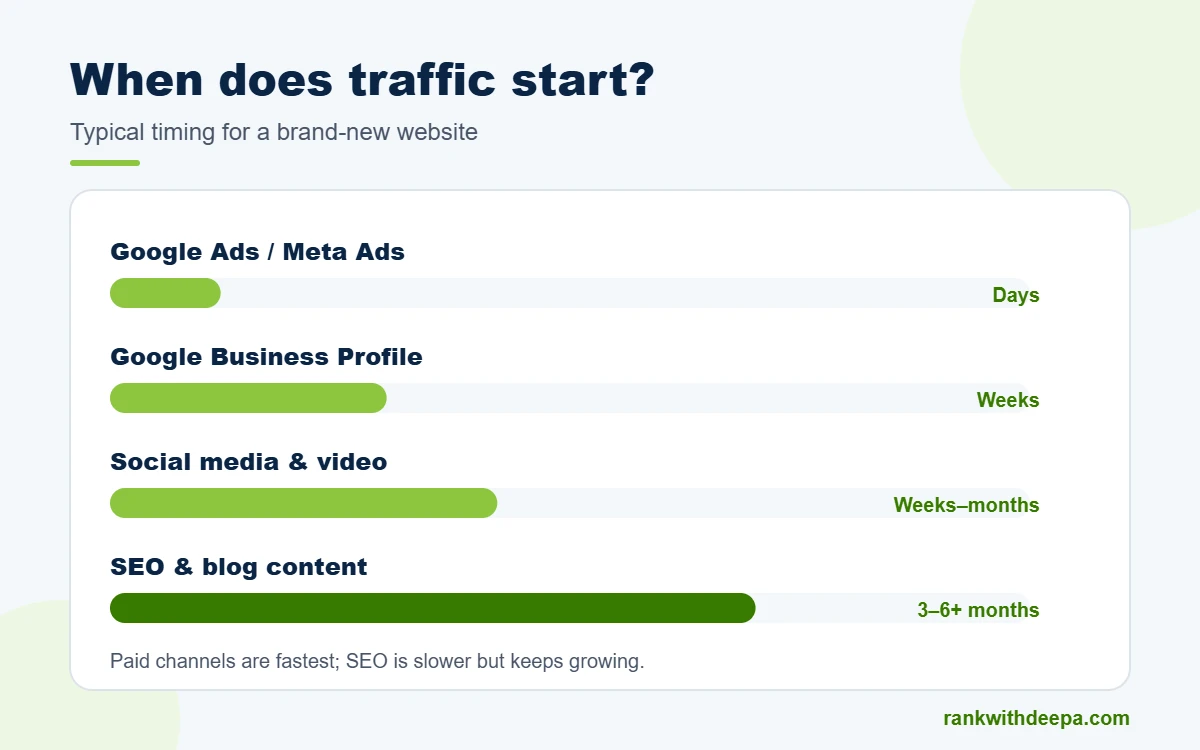
Paid ads can bring visits within days, and a Google Business Profile can start showing in local results within weeks. Organic traffic from SEO usually takes a few months to build, and keeps growing after that if you stay consistent.
Why is my new website not showing on Google?
It may not be indexed yet. Check in Google Search Console with URL Inspection, submit your sitemap and request indexing for your key pages. Also make sure no page is accidentally set to “noindex”.
Can I get traffic to a new website without paying for ads?
Yes. Google Business Profile, long-tail keyword content, backlinks and social media can all bring free traffic. Ads simply speed things up while SEO builds.
How many blog posts does a new website need?
There’s no magic number. Focus on quality and consistency: one or two genuinely helpful posts a week, each answering a real customer question, will build traffic steadily over time.
Should I focus on SEO or social media first?
Do both, for different reasons. Social media and short video bring early visitors, while SEO builds long-term traffic that keeps coming without paying for every click.

Want More Traffic and Leads From Your Website?
We’ll review your website and show you the fastest ways to bring in more visitors and enquiries, free and with no obligation. Book your free strategy call or message us on WhatsApp.
